Clear the Toy Mountain! Best Apps to Donate Kids' Clothes, Toys & Books for Local US Tax Receipts
Every parent knows the cycle. One day the closet closes just fine; the next, it's overflowing with outgrown jackets, forgotten toys, and picture books that haven't been touched in years. Clearing it all out feels great—until you start wondering where those donations are actually going.
That's where things often get frustrating. Tossing bags of children's clothing into an anonymous donation bin might free up space in the garage, but it offers little confidence that the items will reach families who need them. It also leaves behind another missed opportunity: documenting those donations properly for tax purposes.
The generosity isn't usually the problem. The paperwork is. Finding a legitimate 501(c)(3) organization that accepts specific children's items, assigning a reasonable Fair Market Value to everything from strollers to toddler outfits, and keeping track of donation receipts long enough to survive tax season can quickly turn a simple weekend cleanout into an administrative headache. Ever since TurboTax retired its popular ItsDeductible platform, a number of newer apps have stepped in to fill that gap.
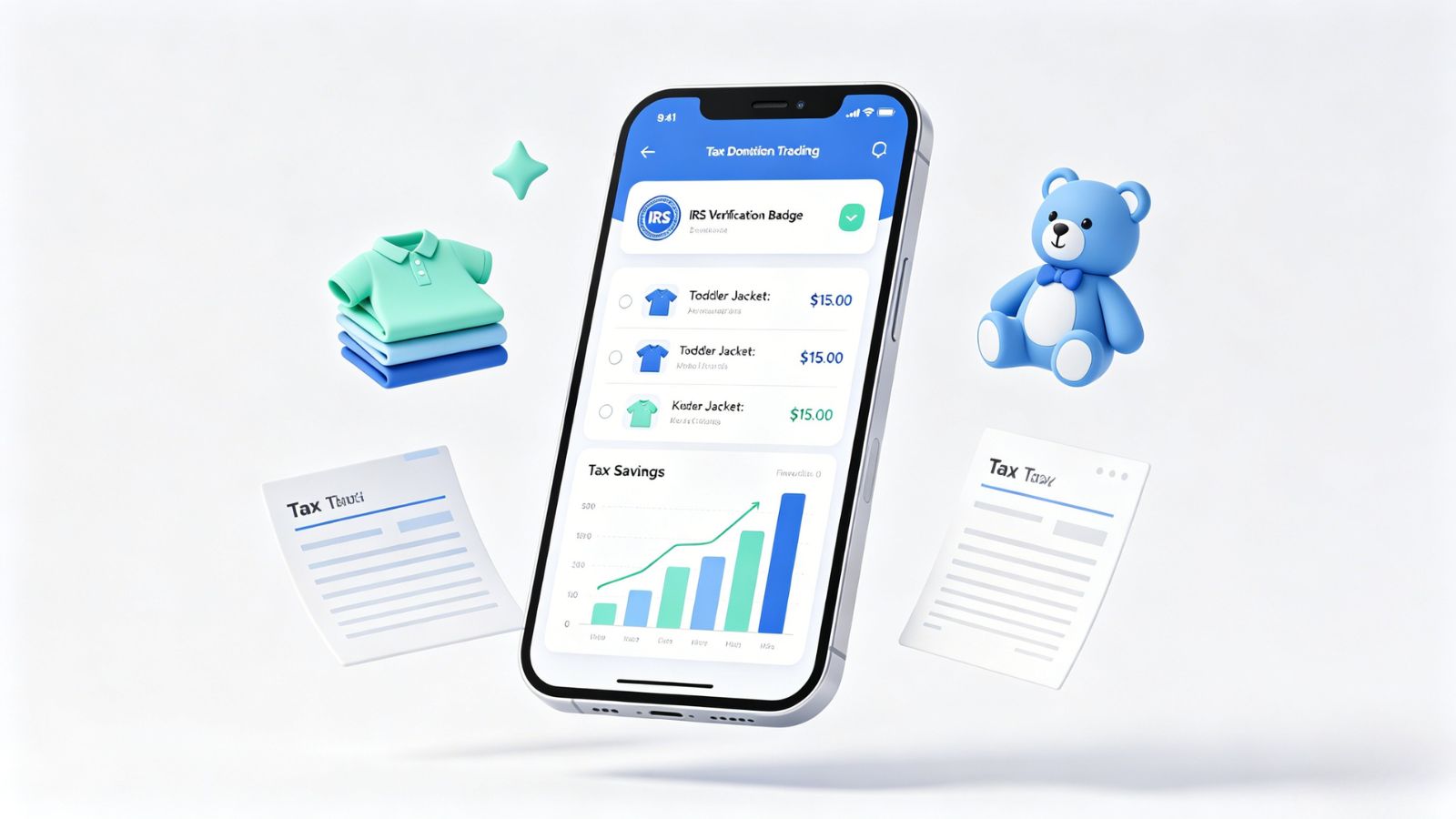
To see which ones actually make life easier, we evaluated several donation-tracking apps based on IRS compliance tools, valuation guidance, receipt management, reporting capabilities, and overall usability. These are the platforms that stood out.
DeductIt - Donation Tracker
Available on: iOS and Android
The Reality Check
For anyone who still misses ItsDeductible, DeductIt feels remarkably familiar—in a good way.
The feature that immediately stands out is its built-in 501(c)(3) charity verification tool, which pulls directly from official IRS records. Before donating to a local shelter, church, or community clothing drive, users can quickly confirm that the organization qualifies for tax-deductible contributions. Once donations are logged, the app applies Fair Market Value guidelines to common items, helping users assign reasonable values to children's coats, books, board games, and other household goods without endless online searching.
Another practical advantage? It works offline. Whether you're sorting donation boxes in the attic, garage, or storage unit, everything can be cataloged without relying on a signal.
Pricing Model
Free Core Version: Completely free to download, log unlimited item/cash donations, and export standard tax summaries.
Supporter Tier ($1/month or $8/year): Unlocks direct 501(c)(3) database searching and cloud-backed photo receipt attachments.
Pro Tier ($2/month or $15/year): Adds multi-user household family sharing and automated Google Drive backups.
Pros & Cons
Pros:
Excellent support for importing legacy CSV donation records from older tax platforms.
Generates detailed PDF and CSV reports that are actually useful when tax season arrives.
Built-in Fair Market Value guidance removes much of the guesswork surrounding children's donations.
Cons:
Receipt photo storage requires a paid plan.
Donation entries still rely primarily on manual item logging.
MileIQ: Mileage & Expense Log
Available on: iOS and Android
The Reality Check
Many parents don't realize that tax deductions for local donations aren't just limited to the physical clothes and books themselves—the IRS also allows you to deduct the charitable mileage accumulated driving back and forth to distant donation centers, shelters, and non-profit drop-off sites. MileIQ is the gold standard for tracking this specific financial detail. The core feature that works flawlessly is its background automatic trip classification. Every time you drive to drop off a load of toys, the app catches the drive via GPS. You simply swipe right for business/charity or left for personal, and it automatically updates a real-time running tally of your tax savings based on current IRS charitable mileage rates.
Pricing Model
Free Tier: Tracks and captures up to 40 free trips per single calendar month.
Premium Subscription: $5.99/month or $59.99/year to unlock unlimited automatic drive tracking, advanced custom destination naming, and multi-format tax report exports.
Pros & Cons
Pros:
The automated background tracking ensures you never lose a single cent of driving-related tax deductions.
Includes a robust web dashboard alongside the mobile apps to securely upload and tie physical donation receipts to specific drive logs.
Flawless cross-platform stability across both iOS and Android platforms.
Highly accurate running calculator displays exact estimated tax write-off value continuously.
Cons:
It tracks the financial and mileage logs of your donation trips; it does not feature an internal database to value individual pieces of clothing.
Continuous background GPS usage can cause a minor increase in smartphone battery consumption.

Expensify: Receipts & Expenses
Available on: iOS and Android
The Reality Check
While Expensify is globally recognized as a corporate travel and expense tracking heavyweight, its core document-parsing architecture makes it an elite tool for managing high-volume physical charitable donations. The feature that actually delivers on its promise is SmartScan AI. Instead of wrestling with clumsy menu systems to catalog twenty individual pairs of outgrown toddler jeans, users can group their children's clothes, toys, and books into custom-named "Donation Folders." When you drop off the items at a local shelter, you simply photograph the physical paper tax receipt. The AI instantly extracts the date, the merchant name (e.g., Goodwill or Salvation Army), and securely archives the image for IRS auditing purposes.
Pricing Model
Free Core Plan: Unlocks up to 25 free SmartScans per calendar month, custom tax tracking tags, and basic PDF expense report exporting.
Collect Subscription ($5/month per user): Unlocks unlimited SmartScans, automated multi-currency tracking, and deep integration with accounting software.
Pros & Cons
Pros:
The fastest, most bulletproof optical receipt scanning engine on the market.
Custom tax categories allow you to map donations directly to specific IRS write-off designations.
Robust cloud synchronization keeps data safe even if you upgrade or lose your physical phone.
Cons:
Does not contain an internal Fair Market Value dictionary for specific items; you must manually assign the final donation value to the receipt total.
The interface features a significant learning curve because it is built to handle corporate enterprise accounting alongside personal expense tracking.
Donations Tracker
Available on: iOS and Google Play Store
The Reality Check
Not everyone wants their financial records stored in the cloud.
Donations Tracker takes a refreshingly different path by keeping everything local. No account setup. No email registration. No mandatory cloud sync. Donation records, valuation notes, charity information, and receipt photos stay on the device unless the user decides otherwise.
For privacy-conscious donors, that's a major selling point.
The app functions more like a well-organized digital ledger. Users create their own charity list, assign values to donated items, attach supporting documentation, and maintain complete control over the data from start to finish.
Pricing Model
Free Base App: Offers localized entry logging with standard dashboard access.
Premium Upgrade (One-time purchase of $4.99): A refreshing alternative to recurring subscription models, this single payment unlocks unlimited donation tracking records and full ZIP/CSV data bundle exporting.
Pros & Cons
Pros:
One-time purchase option instead of an ongoing subscription.
Strong privacy protections, including optional biometric security.
Supports custom valuation templates for specialty items such as sports equipment, musical instruments, and other unique children's gear.
Cons:
Manual backups are essential because cloud synchronization is not enabled by default.
Users must enter local charities themselves rather than selecting from a prebuilt nationwide database.

The Final Verdict
For most parents, DeductIt - Donation Tracker strikes the best balance between simplicity, compliance, and practicality. The combination of IRS charity verification and built-in valuation guidance removes much of the uncertainty that typically surrounds donation recordkeeping, while the interface remains approachable enough for everyday use.
However, if a family is focused on tracking every hidden cent of tax deductions throughout the year—including the actual travel costs required to get those clothes, toys, and books to local non-profit centers—MileIQ is well worth the premium subscription price. Its ability to automatically track background driving data saves hours of tedious manual mileage logging, converting an ongoing chore into an explicit, bulletproof tax deduction list with minimal effort.
Expensify stands out as the most balanced and practical choice for tracking physical donations. By blending a best-in-class AI document-parsing engine with customized tax-tagging folders, it completely removes the compliance guesswork that usually complicates local charity drops.
Either way, the right app does more than help you claim a deduction. It gives you confidence that your donations are documented, organized, and ready long before tax season rolls around.

Health and Wellness
Safe Routes, Bright Streets: 5 Best Apps for Night Running & Cycling in US Cities
Urban athletes no longer prioritize speed alone; personal safety has become a critical variable. Whether navigating a pre-dawn run through downtown Chicago, a late-evening bike ride in Los Angeles, or...



Hobbies and Entertainment