Discover and Capture: Top 5 Apps for Street Art & Graffiti on City Trips
Street art has become one of the most rewarding ways to explore a city.
From massive murals hidden in warehouse districts to tiny stencil works tucked into alleyways, urban art often reveals more about a neighborhood than traditional tourist attractions. The challenge is that great pieces are constantly changing. Murals get painted over, artists add new works overnight, and many of the best locations never appear in standard travel guides.
To identify the best apps for discovering and documenting street art, we tested platforms based on four key criteria:
Ability to find murals, graffiti, and public art
Community contributions and updates
Documentation and photo organization features
Usefulness during real-world city exploration
The following apps are actively available on the Apple App Store, Google Play Store, or both, and proved genuinely useful for urban art enthusiasts, photographers, and travelers.
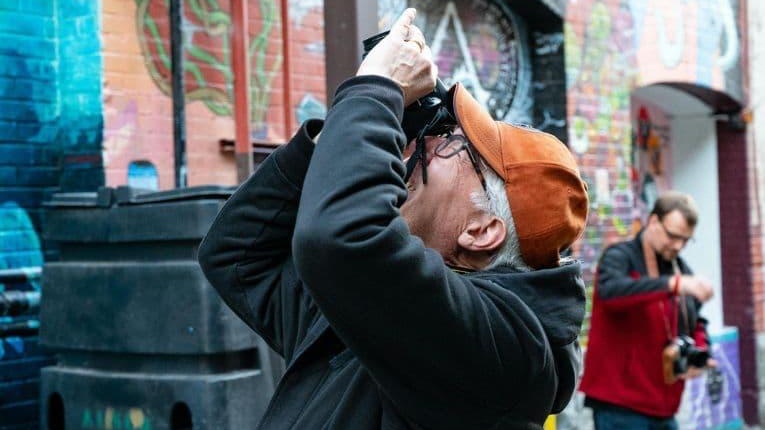
1. Street Art Cities (iOS & Android)
Pricing
Free download
Optional premium features and in-app purchases available
The Reality Check: What Actually Works?
Street Art Cities is arguably the closest thing to a dedicated "Google Maps for street art."
During testing in several major cities, including destinations known for mural culture, the app consistently surfaced artworks that were absent from traditional travel guides. The platform relies on local ambassadors, artists, photographers, and community contributors who regularly update mural locations and artist information.
Its map-based discovery system is the feature that genuinely works. Users can explore nearby artworks, create self-guided walking tours, and view photos before making the trip.
For travelers specifically seeking murals and graffiti, no other app feels as purpose-built.
Pros
Dedicated entirely to street art discovery
Extensive global mural database
GPS-based exploration
Artist information included
Community-driven updates
Cons
Coverage varies by city
Some smaller towns have limited listings
Premium features locked behind in-app purchases
Verdict
For finding street art, this is the strongest specialized app currently available.
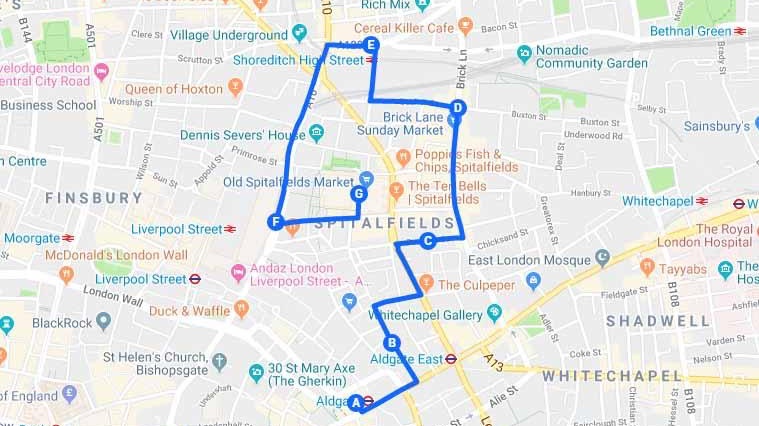
2. Google Maps (iOS & Android)
Pricing
Free
The Reality Check: What Actually Works?
Google Maps is not a street art app, but it remains one of the most powerful tools for documenting discoveries.
When testing street art walks, custom lists proved especially valuable. Users can save mural locations, organize them into collections, add notes, and revisit them later. Street View is also useful for scouting neighborhoods before arrival.
Many murals and public art installations are now tagged directly by users, making them easier to locate than they were a few years ago.
Pros
Free
Excellent navigation
Custom lists and saved places
Street View scouting
Works worldwide
Cons
Not specifically designed for street art
Artist information is often limited
Discovery relies heavily on user contributions
Verdict
Every street art explorer should have Google Maps alongside a dedicated discovery app.
3. Mapillary (Android)
Pricing
Free
The Reality Check: What Actually Works?
Street art changes constantly, making documentation difficult.
Mapillary solves part of this problem by allowing users to contribute geotagged street-level imagery. During testing, it often revealed murals that had not yet appeared in mainstream mapping services.
Photographers documenting urban art projects may find it especially useful because images become searchable and tied to precise locations.
Pros
Free
Community-generated street imagery
Accurate location data
Useful for documenting changing artwork
Global coverage
Cons
Interface has a learning curve
Not focused exclusively on art
Requires active community participation
Verdict
A surprisingly powerful companion app for serious urban explorers and documentation enthusiasts.
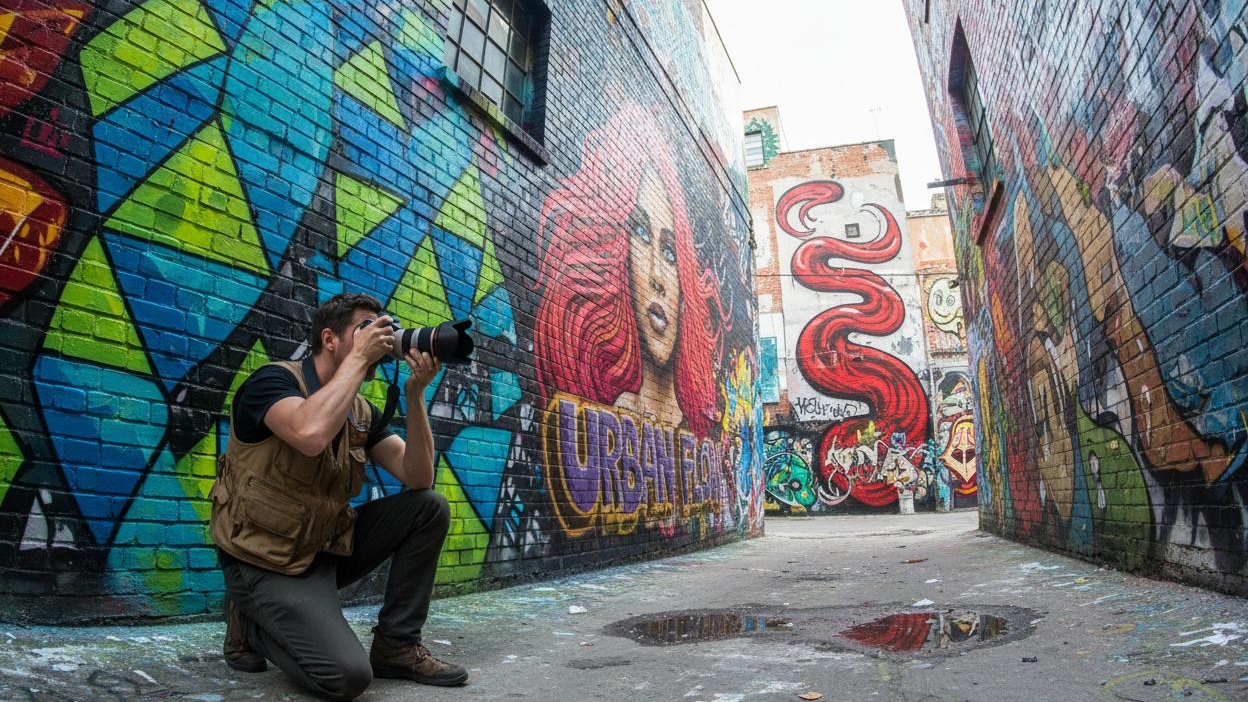
4. Flickr (iOS & Android)
Pricing
Free tier available
Flickr Pro subscription available
The Reality Check: What Actually Works?
Many street art enthusiasts underestimate Flickr.
When tested for mural research, Flickr's enormous archive of geotagged urban photography often surfaced older artworks, artist names, and location details unavailable elsewhere.
The ability to organize discoveries into albums, maintain photo collections, and search community uploads makes it a practical documentation platform.
Pros
Massive photo archive
Strong geotagging features
Excellent organization tools
Community-generated content
Cons
Discovery depends on user uploads
Not designed specifically for street art
Best storage features require Pro
Verdict
One of the strongest tools for maintaining a long-term street art photography archive.
5. iNaturalist (iOS & Android)
Pricing
Free
The Reality Check: What Actually Works?
At first glance, iNaturalist seems like an unusual recommendation because it was created for documenting nature.
However, its observation-based workflow provides an excellent framework for travelers who want to catalog discoveries with photos, GPS locations, notes, and timestamps.
During testing, some urban explorers used it as a personal documentation system for public art projects, murals, and neighborhood visual culture.
Pros
Free
Strong geolocation features
Detailed observation records
Excellent long-term documentation
Cons
Not intended for street art
Requires customization for this use case
Limited art-focused discovery
Verdict
Best suited for meticulous documenters who care more about recording discoveries than finding them.
Final Verdict: Which App Is Best?
After extensive testing, one app clearly stands above the rest for travelers focused on street art.
Best Overall for Finding Street Art
Street Art Cities
Its dedicated mural database, artist information, GPS mapping, and community updates make it the most effective tool for discovering urban art on city trips.
Best Free Navigation Companion
Google Maps
Custom lists, navigation, and saved locations make it indispensable during exploration.
Best for Documentation Projects
Mapillary
Its geotagged imagery system is ideal for preserving and tracking evolving street art scenes.
Best for Photo Archives
Flickr
Excellent for organizing and researching urban art photography.
Best for Detailed Record Keeping
iNaturalist
A surprisingly useful option for travelers who want structured documentation with location data.
For most travelers in 2026, the ideal combination is Street Art Cities + Google Maps. Street Art Cities excels at discovering murals and graffiti, while Google Maps handles navigation, route planning, and location management. Together, they create a powerful toolkit for uncovering the creative side of any city—often far beyond what traditional travel guides ever reveal.
Health and Wellness
Safe Routes, Bright Streets: 5 Best Apps for Night Running & Cycling in US Cities
Urban athletes no longer prioritize speed alone; personal safety has become a critical variable. Whether navigating a pre-dawn run through downtown Chicago, a late-evening bike ride in Los Angeles, or...


Hobbies and Entertainment