Home Inventory Apps That Make Insurance Claims Easier in 2026
If a fire, flood, or burglary ever affects your home, one of the first questions your insurance company will ask is surprisingly simple: What exactly was lost?

For many homeowners, that's where the real challenge begins. It’s easy to remember expensive items like televisions, appliances, or jewelry. It’s much harder to recall every power tool, kitchen gadget, collectible, or piece of furniture accumulated over the years. The truth is, without proper documentation, proving ownership and value can be a frustrating, time-consuming process that may delay or even reduce your insurance payout.
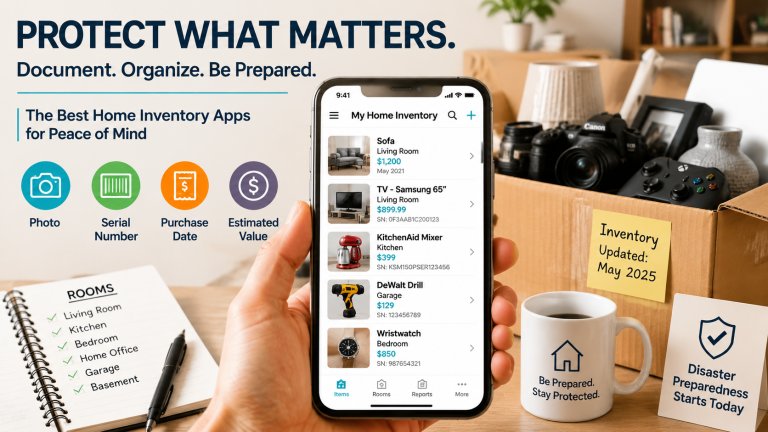
That's why creating a digital home inventory has become one of the smartest forms of disaster preparedness. Instead of relying on memory—or digging through old receipts—you can keep a searchable record of your belongings, complete with photos, serial numbers, purchase dates, and estimated values. Not only does this save time if disaster strikes, but it also helps you organize your home, track warranties, and even simplify moving or selling your property.
We tested today's most popular home inventory apps to see which ones actually make the process manageable. Our evaluation focused on three key factors: how easy it is to document items, how well the app organizes information, and whether it can generate reports that would be useful during an insurance claim. We also considered cloud syncing, multi-device support, and whether the apps provide useful extras such as warranty tracking, reminders, or disaster-preparedness tips.
Here are the apps that stood out.
Sortly: Inventory Simplified (iOS/Android)
Sortly is one of the most comprehensive inventory management apps available today. Although it was originally designed with businesses in mind, its visual approach works remarkably well for homeowners who want to keep track of valuable possessions.
The Reality Check
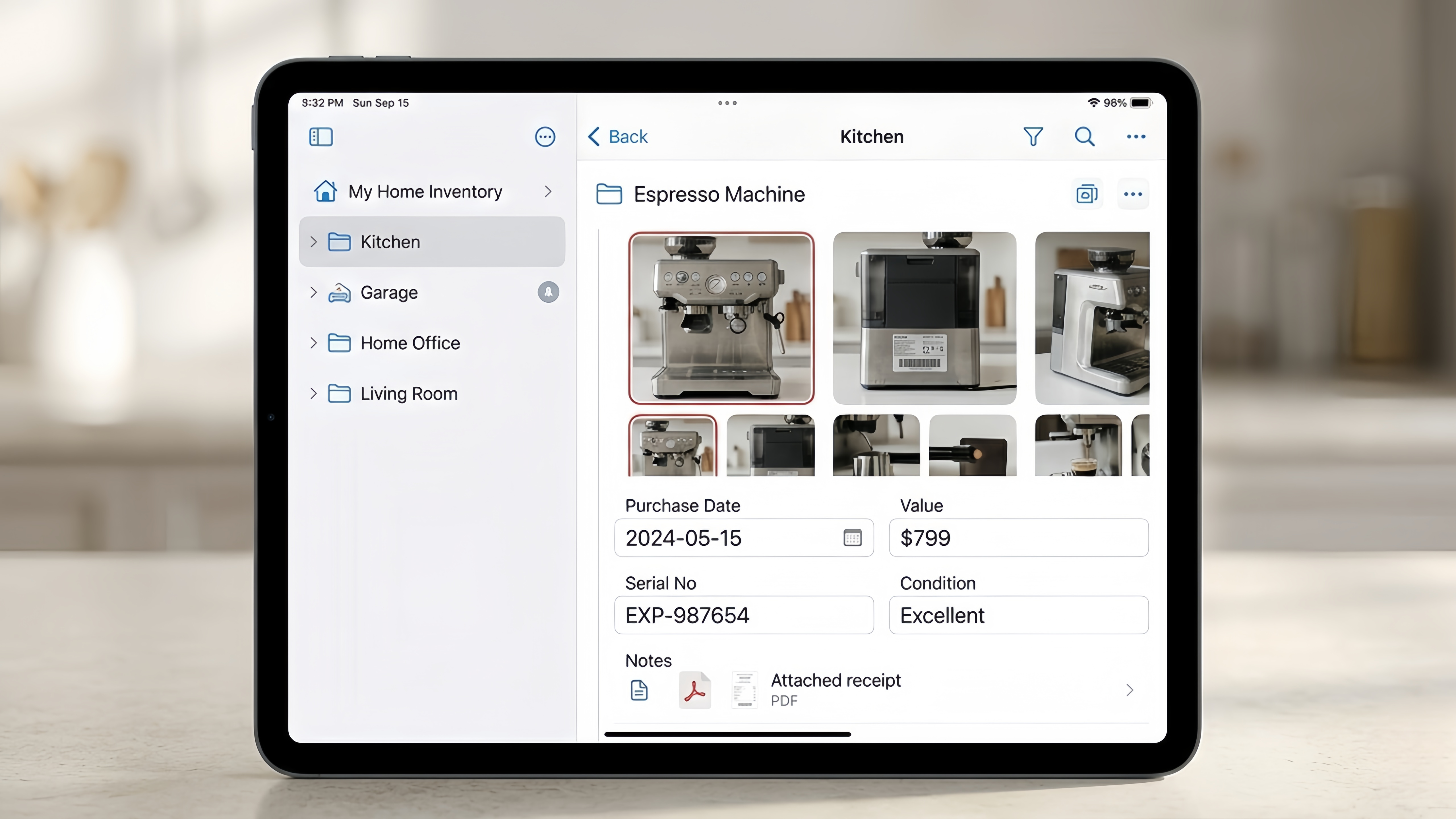
The app’s strength is in its visual organization. You can upload multiple photos per item, which is critical for capturing condition and serial numbers. You can create room-based folders such as “Kitchen,” “Garage,” or “Home Office,” and tag items with purchase dates, values, and custom notes. This makes it easier to retrieve records later and to generate professional, insurance-ready reports.
During testing, we found it simple to add high-value collections like tools, camera gear, and electronics, while also keeping everyday items organized. A nice bonus is the ability to attach receipts or PDF manuals, so everything related to an item is stored in one place. However, keep in mind that the free tier is quite restrictive; for a serious, comprehensive home inventory with cloud syncing and data exports, you will likely need a subscription.
Pros:
Clean, intuitive visual interface
Powerful search, tagging, and categorization tools
Cloud syncing across devices
Exportable PDF and CSV reports
Cons:
Many advanced features require a paid subscription
Business-oriented features may feel unnecessary for some homeowners
Pricing: Free plan available; premium subscriptions unlock additional features
Encircle: The Professional Standard (iOS/Android)
Encircle is widely used by property restoration professionals and insurance-related contractors. While it’s designed for professional workflows, homeowners can also benefit from its detailed documentation capabilities.
The Reality Check
Encircle uses AI-powered item recognition. When you snap a photo of a piece of furniture or appliance, the app can help identify and describe it. It is built to create a standardized property restoration record, which helps simplify future insurance claims and reduces the likelihood of missing important details.
The app supports photo and video documentation, making it possible to capture condition, serial numbers, and even the overall layout of a room. Encircle is particularly helpful for homeowners with large inventories or high-value items, such as collectibles, antiques, or home theaters. While it offers professional-grade tools, it may feel complex for casual users and has a steeper learning curve compared to apps like Sortly.
Pros:
Professional-grade documentation tools
AI-assisted item descriptions reduce manual data entry
Supports photo and video evidence
Detailed reporting capabilities
Cons:
Learning curve can be steep
Overkill for simple inventories
Pricing: Free to download; advanced features available via subscription
NAIC Home Inventory (iOS/Android)
If you want a no-nonsense, completely free app that focuses on insurance documentation, the NAIC Home Inventory app is a solid choice.
The Reality Check
This app is designed to answer the question: “What do I need to give my insurance company?” You can group items by room or category, scan barcodes for quick reference, and attach photos to each entry. In addition, the app provides disaster preparedness tips and straightforward guidance for the claims process, helping you plan ahead and avoid common pitfalls.
It’s particularly useful for first-time users or anyone who wants a quick way to document essential household items without worrying about subscriptions or advanced features. However, the interface is simpler and feels dated compared to more modern apps. If you’re looking for a visually appealing interface or sophisticated organizational features, you may prefer Sortly or Encircle.
Pros:
100% free, no in-app purchases
Directly aligned with insurance documentation standards
Built-in disaster preparedness guidance
Cons:
UI is less modern and visually appealing
Limited advanced features
Pricing: Free
Nest Egg: The Personal Organizer(iOS/Android)
Nest Egg takes a slightly different approach, focusing on the “lifecycle” of your household items. It’s not just about insurance—it helps track warranties, manuals, receipts, and valuations alongside your physical inventory.
The Reality Check
Nest Egg’s standout feature is its ability to automatically pull in product information, such as purchase price or online product pages, for certain electronics and appliances. This is especially useful when documenting high-value items, as it consolidates information in one location. Its category-based organization is intuitive, making it easier to manage than folder-heavy, business-oriented apps.
This app is ideal for homeowners who want to maintain a long-term inventory, keep up with warranties, or track depreciation over time. However, Android availability can be inconsistent, and higher item counts require a subscription.
Pros:
Tracks warranties, receipts, and manuals alongside physical inventory
Automatic retrieval of product information
User-friendly category-based system
Free tier available for a small number of items
Cons:
Subscription required for larger inventories
Android support is limited
Less suited for insurance-specific reporting
Pricing: Free trial; subscription unlocks full features
Additional Tips for Home Inventory Success
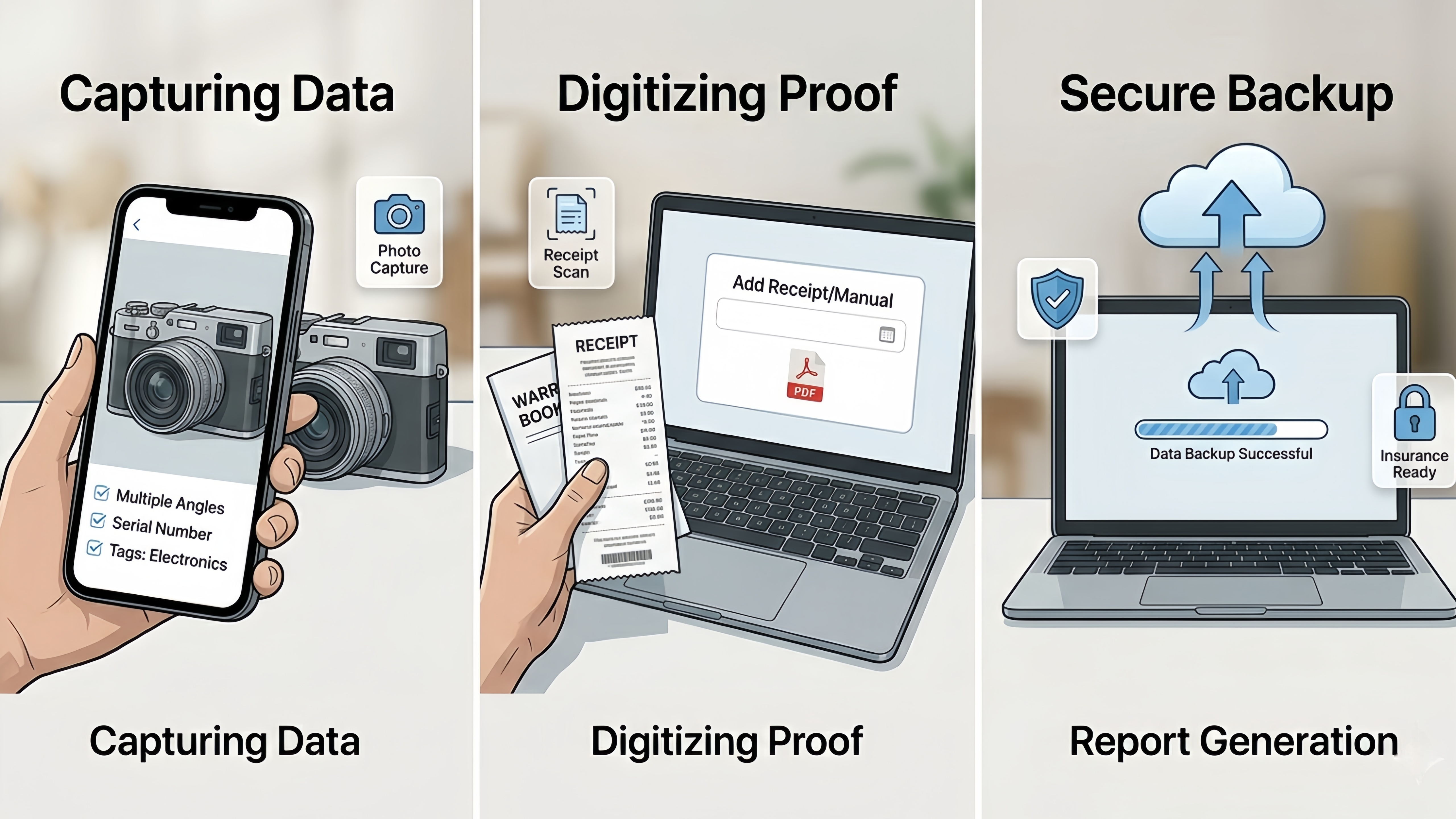
Start Small: Begin with high-value or frequently used items before expanding to everything in your home.
Use Multiple Photos: Capture different angles, serial numbers, and any identifying marks.
Attach Receipts: Whenever possible, store receipts or PDFs of warranties alongside each item.
Update Regularly: Set a reminder to update your inventory every 6–12 months to capture new purchases or discarded items.
Backup Your Data: Ensure your app syncs to the cloud or export your inventory to a PDF or CSV for safekeeping.
The Final Verdict
For most homeowners, Sortly strikes the best balance between ease of use, visual organization, and professional reporting. Its intuitive interface encourages consistent updating, which is often the hardest part of maintaining a home inventory.
If you’re documenting a high-value home, preparing for a move, or want an “adjuster-ready” record, Encircle is the top choice. Its professional-grade tools and AI-assisted documentation can save hours of manual data entry.
For a free, simple, and insurance-focused solution, NAIC Home Inventory is a reliable option—just be sure to confirm it works on your device in 2026.
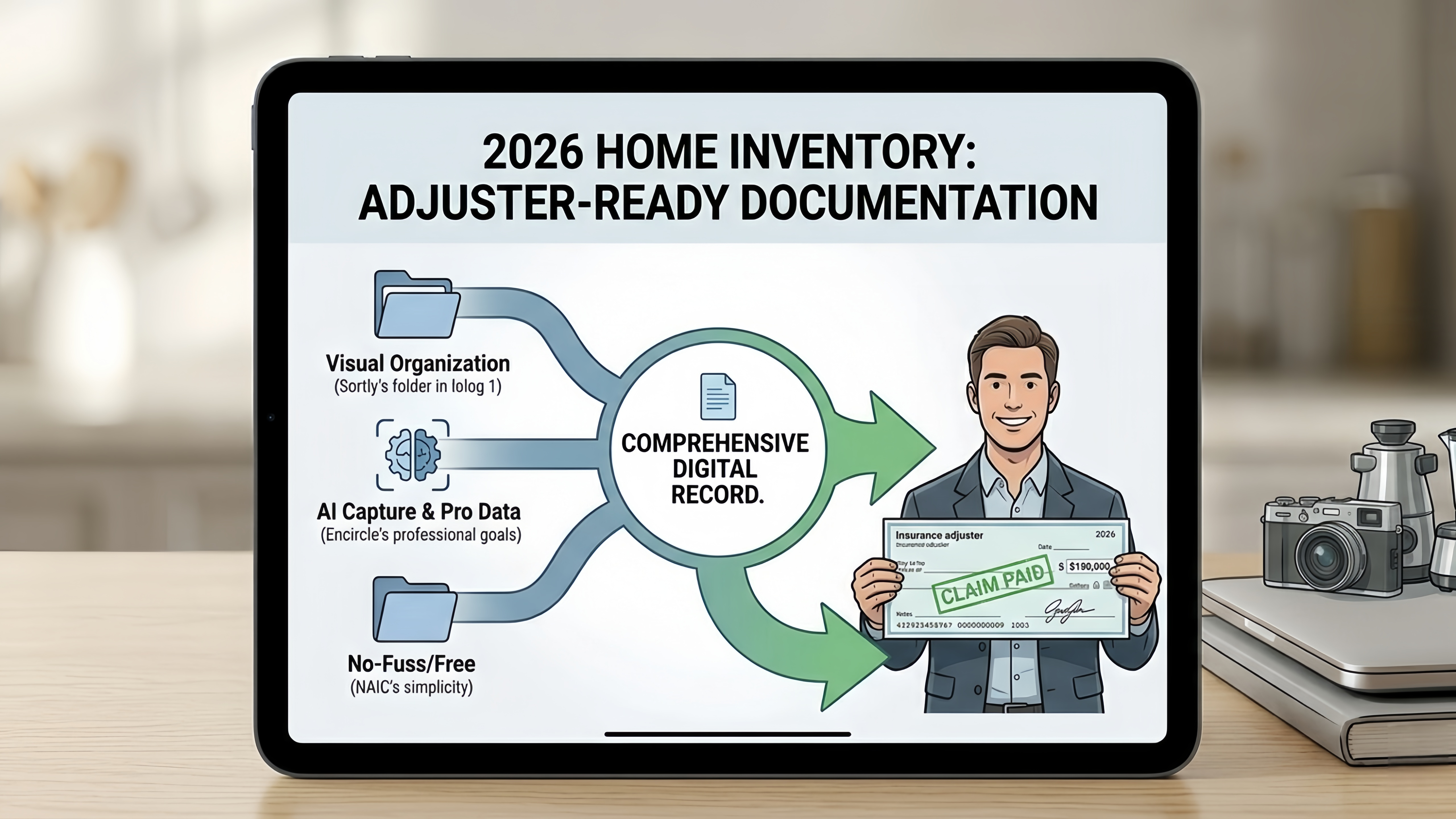
Even a basic inventory is better than none. Taking photos, tagging items, and saving receipts today can save months of frustration tomorrow. Your future self—and your insurance adjuster—will thank you.
Are you currently organizing your home inventory for moving, insurance updates, or general disaster preparedness? Even starting small is better than waiting for a crisis to force you into action.

Health and Wellness
Safe Routes, Bright Streets: 5 Best Apps for Night Running & Cycling in US Cities
Urban athletes no longer prioritize speed alone; personal safety has become a critical variable. Whether navigating a pre-dawn run through downtown Chicago, a late-evening bike ride in Los Angeles, or...


Hobbies and Entertainment