The Museum Apps That Finally Make Art History Feel Less Intimidating
For a lot of people, visiting a museum follows the same pattern.
They recognize a few famous names like Vincent van Gogh or Claude Monet, take photos of paintings they vaguely remember from school, read a tiny wall label for ten seconds, then quietly move on without fully understanding why the artwork matters.
That disconnect is exactly why art-history apps have exploded in popularity over the past few years.
The best apps do far more than identify paintings. They explain artistic movements, decode symbolism, provide historical context, and make massive museum collections feel approachable instead of overwhelming. Some even turn museum visits into something closer to a guided documentary experience.
After testing the most popular art-history and museum-learning apps currently active on the US Apple App Store and Google Play Store in 2026, one thing became very clear: most apps either overwhelm beginners with academic information or oversimplify art into social-media-style scrolling.
The strongest apps found a middle ground.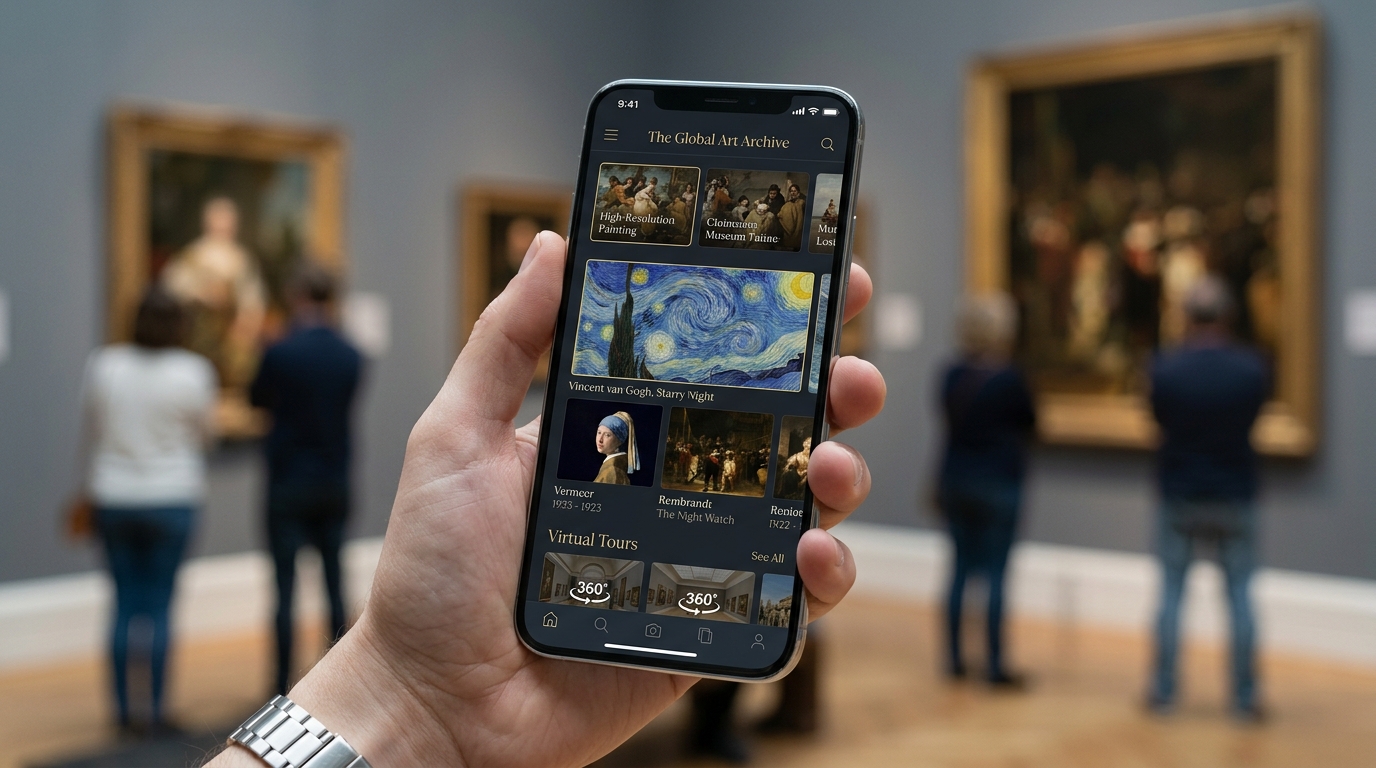
For this guide, the testing focused specifically on:
Quality of art-history explanations
Museum integration and artwork recognition
Ease of use for beginners
Educational depth
Daily learning experience
Pricing transparency
Whether the app genuinely increased long-term art understanding
These were the apps that consistently stood out.
Google Arts & Culture (iOS & Android)
The Reality Check: The Largest Free Art Collection Available on a Phone
Among all the apps tested, Google Arts & Culture consistently felt the most ambitious.
The sheer scale is difficult to overstate. The platform includes content from more than 2,000 museums and cultural institutions across dozens of countries, alongside ultra-high-resolution scans of famous artworks, virtual exhibitions, historical archives, and interactive museum tours.
During testing, one feature stood out immediately: zoom functionality.
Viewing paintings like The Starry Night or Mona Lisa at extreme detail genuinely changes the learning experience. Brushstrokes, textures, cracks, and tiny details become visible in ways that are often impossible even inside real museums.
The app also excels at exploration.
Users can browse by artistic movement, historical era, color palette, geography, artist, or museum collection. Virtual tours through institutions like The Metropolitan Museum of Art and Musée d'Orsay felt surprisingly immersive on mobile devices.
However, the scale of the app is also its biggest weakness.
For beginners, the experience can sometimes feel too encyclopedic. Without a structured learning path, users may end up endlessly browsing without retaining much historical understanding.
The app remains completely free.
Pros
Massive global museum archive
Exceptional artwork zoom quality
Excellent virtual museum tours
Completely free
Strong educational depth
Cons
Can feel overwhelming for beginners
Less structured learning progression
Interface occasionally feels cluttered
DailyArt (iOS & Android)
The Reality Check: The Best App for Building Real Art-History Knowledge Slowly
DailyArt approached art education differently from almost every competitor tested.
Instead of overwhelming users with gigantic archives, the app focuses on one curated artwork per day accompanied by a short but highly readable explanation. That structure ended up being remarkably effective.
During testing, DailyArt consistently felt like the most sustainable app for people genuinely trying to learn art history over time rather than casually browse paintings.
The writing quality deserves special attention.
Unlike many museum apps that sound overly academic, DailyArt explains paintings, artists, and historical context in approachable language without becoming simplistic. Stories about forgotten women artists, artistic rivalries, political symbolism, and cultural movements made the material feel alive rather than textbook-like.
The app also includes over 4,000 artworks, artist biographies, museum guides, and curated collections covering movements from Renaissance painting to contemporary art.
One unexpected advantage was habit formation.
Because the daily lessons only take a few minutes, the app became easier to maintain consistently than larger platforms like Google Arts & Culture.
However, users looking for deep museum navigation tools or advanced artwork scanning may find the experience more limited.
DailyArt offers a free version with optional premium subscriptions that remove ads and unlock full archives.
Pros
Excellent bite-sized learning format
Strong writing quality
Great for beginners
Consistent daily habit structure
Beautiful interface design
Cons
Less museum-navigation functionality
Smaller archive than Google Arts & Culture
Premium version unlocks key features

Smartify (iOS & Android)
The Reality Check: The Best App for Real Museum Visits
Smartify felt less like a general art-learning app and more like carrying a museum curator inside a phone.
Its biggest feature is artwork scanning.
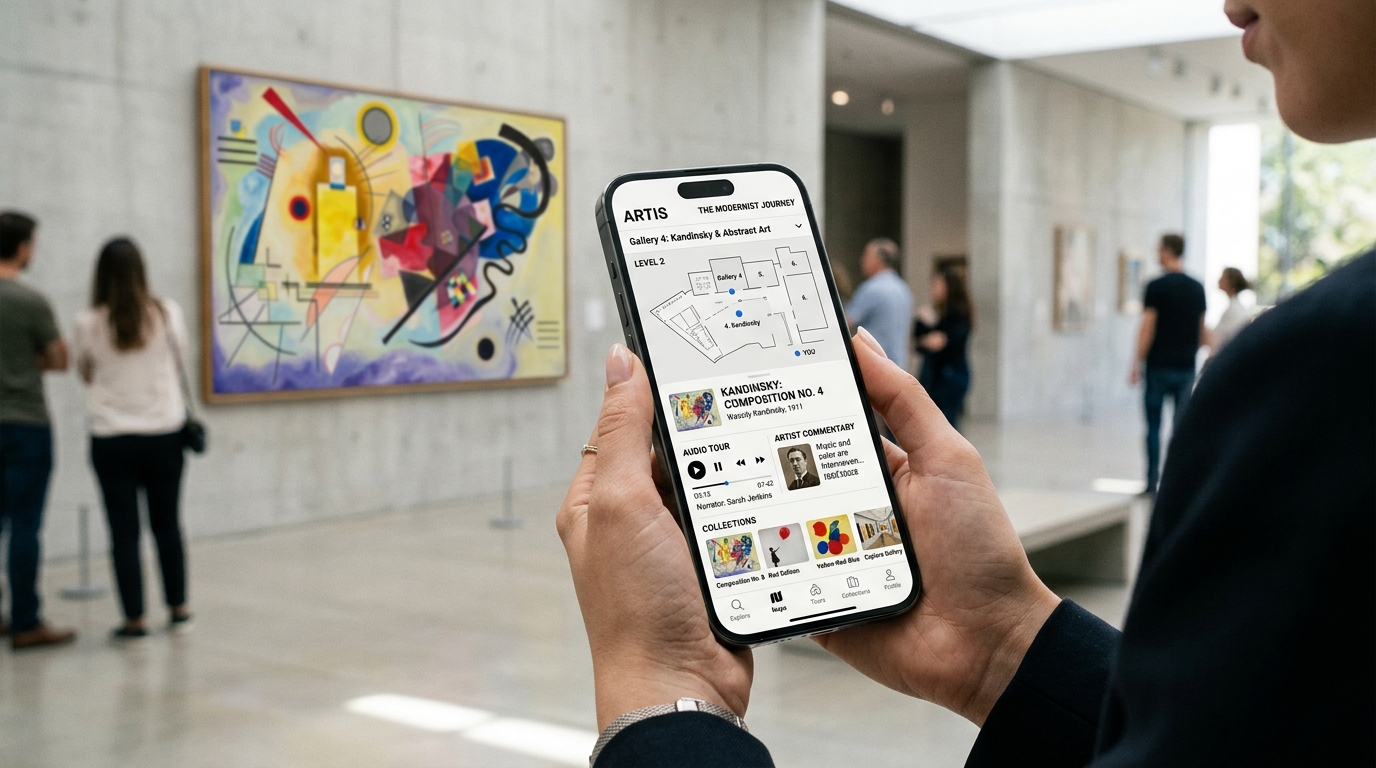
During testing inside partner museums, users could point their phone camera at paintings or sculptures and instantly receive historical explanations, artist background, audio guides, and contextual information. The recognition technology worked surprisingly well on major works.
That immediacy dramatically changes museum visits.
Instead of reading tiny wall labels or searching manually online, the app creates a much smoother educational flow while walking through galleries.
Smartify also includes audio tours, museum maps, ticket booking integration, and personalized collections. The app partners with hundreds of museums globally, which makes it especially useful for travelers planning cultural trips.
However, Smartify works best inside supported museums.
Outside that context, it feels less comprehensive as a standalone art-history learning platform compared to DailyArt or Google Arts & Culture. Some collections also vary significantly depending on museum participation.
The app itself is free, though certain premium tours and museum content include paid add-ons.
Pros
Excellent artwork scanning
Outstanding museum companion
Strong audio-guide functionality
Helpful travel integration
Makes museum visits less intimidating
Cons
Best features depend on museum support
Less structured long-term learning
Some premium tour purchases
Bloomberg Connects (iOS & Android)
The Reality Check: The Most Underrated Free Museum Guide
Bloomberg Connects quietly became one of the biggest surprises during testing.
The app provides free digital guides for more than 1,250 cultural institutions worldwide, including major museums, galleries, sculpture parks, and performance spaces.
Unlike Google Arts & Culture, which prioritizes broad exploration, Bloomberg Connects feels more curated and institution-focused.
Museum guides often include audio commentary from curators, artists, and historians themselves. That expert narration added much more personality and context than standard text descriptions.
During testing, the app worked especially well for planning museum visits in advance. Users could preview exhibitions, save favorite works, and understand museum layouts before arriving physically.
The downside is that Bloomberg Connects depends heavily on participating institutions.
Some museums offer rich multimedia experiences, while others provide relatively basic digital guides. The experience quality can vary significantly.
Still, considering the app is completely free, the educational value is extremely impressive.
Pros
Excellent free museum guides
Strong curator commentary
Useful for travel planning
Clean interface
No subscription pressure
Cons
Quality varies by museum
Less focused on structured learning
Smaller discovery tools than Google Arts & Culture
Curator (iOS & Android)
The Reality Check: The Most Beginner-Friendly Art-History App
Curator felt heavily inspired by language-learning apps like Duolingo — and surprisingly, that approach worked.
Instead of presenting art history as dense academic study, Curator breaks learning into short gamified lessons covering artists, styles, chronology, and famous paintings. Recent Reddit discussions from early users praised the app’s approachable structure and daily-practice system.
During testing, the app felt especially useful for complete beginners intimidated by traditional museum education.
Short quizzes, streak systems, and mini-games created a much lower barrier to entry than most competitors. The app also includes thousands of paintings, artist explanations, and audio-supported artwork descriptions.
However, the platform is still relatively new compared to more established competitors.
Some advanced art-history learners may eventually find the lessons too lightweight or gamified. The long-term content depth also remains smaller than larger museum ecosystems.
Still, for beginners trying to build confidence before visiting museums, Curator felt refreshingly approachable.
Pros
Extremely beginner-friendly
Fun daily learning structure
Good artwork explanations
Strong gamification
Less intimidating than traditional art apps
Cons
Less academic depth
Smaller ecosystem
Advanced learners may outgrow it
The Final Verdict
For overall art-history learning in 2026, DailyArt delivered the strongest balance of accessibility, education, consistency, and long-term usability.
It consistently transformed art history from something intimidating into something approachable enough to become part of a daily routine.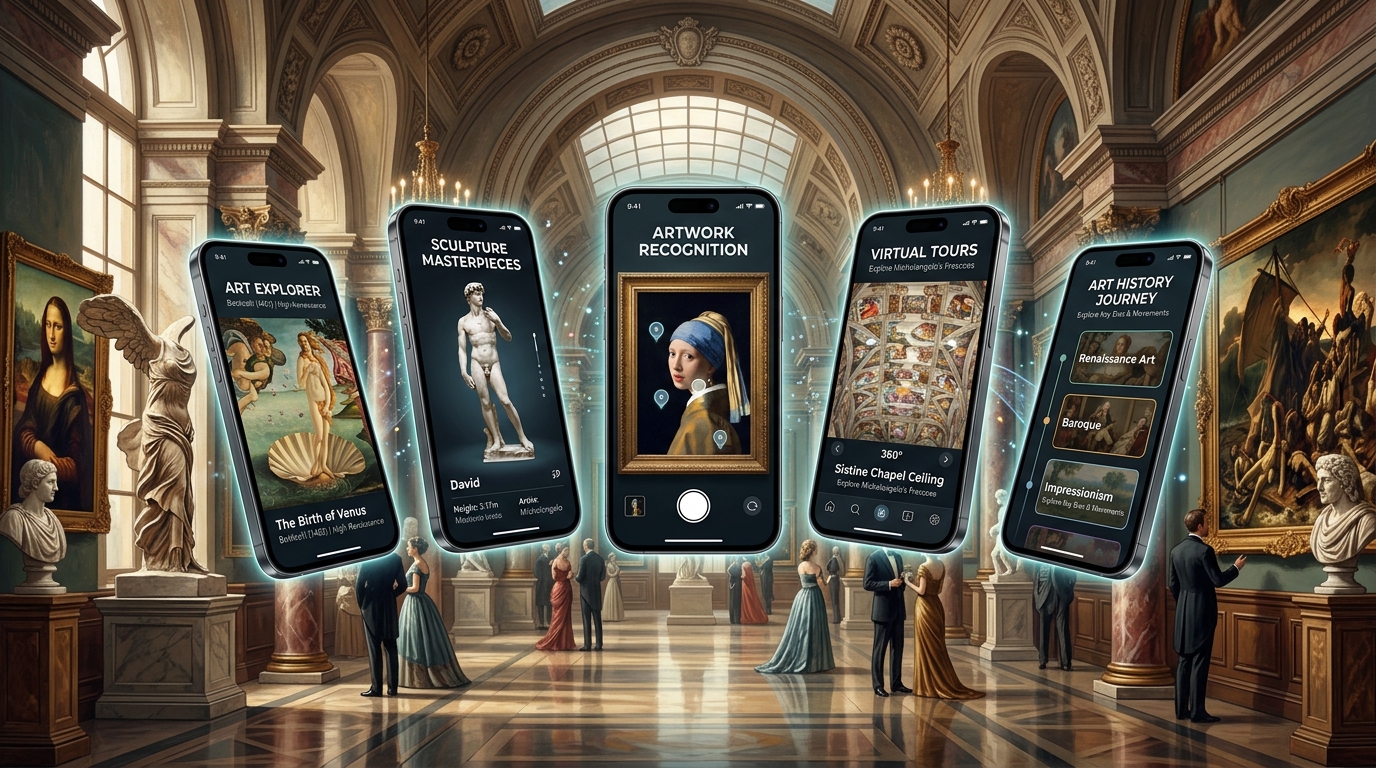
That said, the best app still depends heavily on how someone prefers to experience art:
Choose Google Arts & Culture for the largest free museum archive.
Choose DailyArt for consistent daily learning.
Choose Smartify for real museum visits.
Choose Bloomberg Connects for curated institution guides.
Choose Curator for beginner-friendly gamified learning.
The biggest lesson from testing these apps is that art appreciation improves dramatically once people understand the stories behind the works. The best apps are not just displaying paintings — they are teaching users how to actually see them.

Health and Wellness
Safe Routes, Bright Streets: 5 Best Apps for Night Running & Cycling in US Cities
Urban athletes no longer prioritize speed alone; personal safety has become a critical variable. Whether navigating a pre-dawn run through downtown Chicago, a late-evening bike ride in Los Angeles, or...




Hobbies and Entertainment