Let’s Build Something (Safely!): How to Find Local US Parent-Child Engineering & Crafting Groups
Every parent of a maker kid knows the scene. The dining table disappears beneath cardboard prototypes. A half-built robot sits next to a glue gun. LEGO gears somehow find their way into every room of the house. At some point, you realize the challenge isn't keeping your child's curiosity alive—it's finding other families who share it.
Encouraging a love of building, crafting, coding, or engineering at home is one thing. Finding a local community where kids can swap ideas, tackle projects together, and learn alongside equally enthusiastic parents? That's often much harder than expected.
The problem isn't a lack of platforms. It's finding one that balances discovery with safety. Most parents aren't looking for another massive social feed packed with strangers. They're searching for smaller, well-managed communities where privacy matters, members are vetted, and shared interests go beyond a few hashtags.
To find the platforms that actually help families connect, we looked at local discovery tools, community management features, verification options, and how easily parents can find groups focused on activities like robotics, woodworking, coding, engineering, and hands-on crafting. These four apps consistently stand out.
BAND
OS Availability: iOS, Android
The Reality Check
Think of BAND as a private community hub rather than a traditional social network.
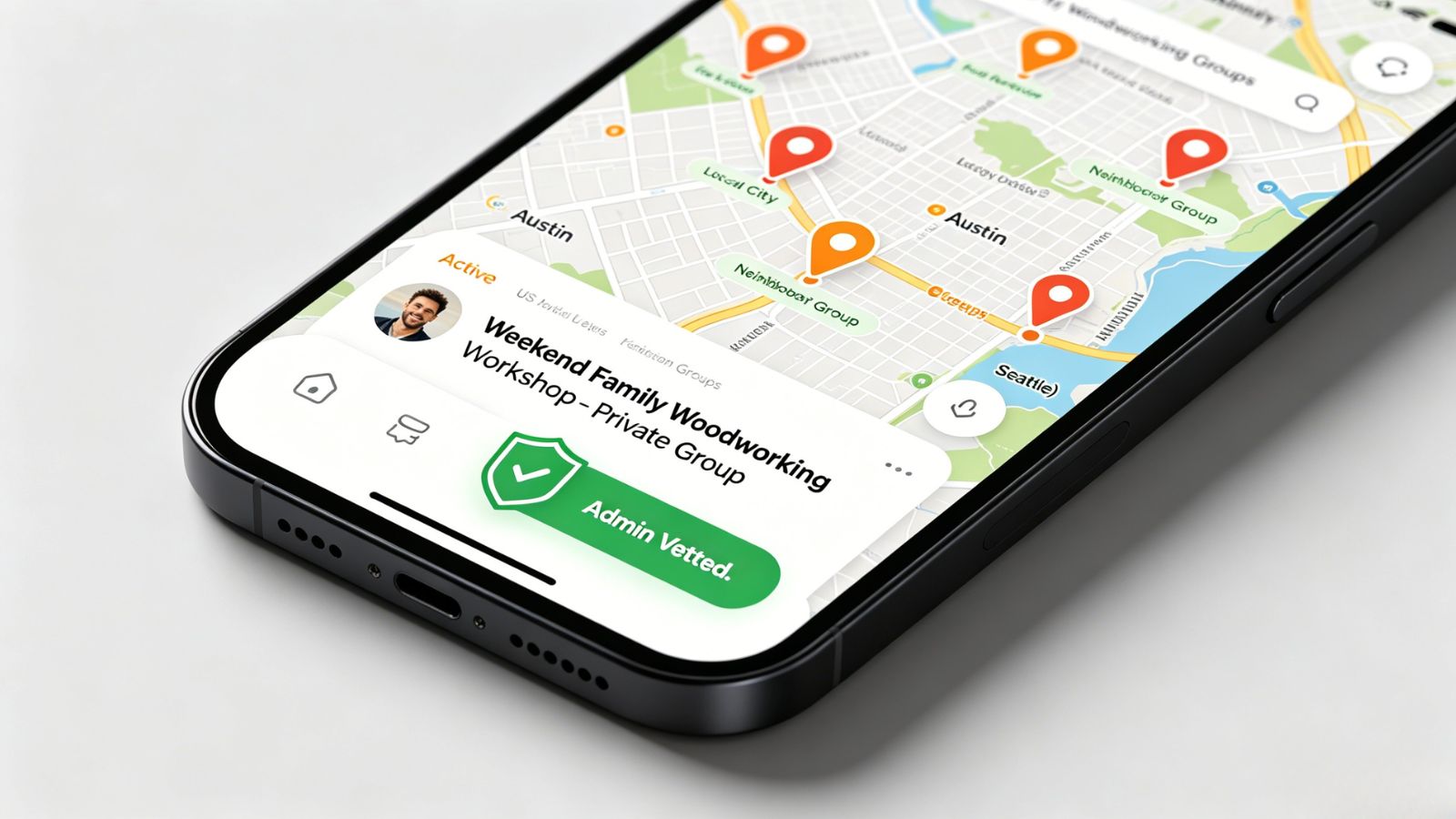
The platform has become especially popular among homeschool groups, scouting organizations, youth clubs, and STEM communities because it gives organizers far more control over who gets in and how conversations are managed. While it isn't designed around browsing endless public groups, parents can still search for discoverable local communities when they're available.
Where BAND really earns its reputation is behind the scenes. Organizers can create dedicated discussion channels for project ideas, safety guidelines, resource sharing, or upcoming workshops, while built-in calendars and RSVP tools keep everyone aligned. Instead of juggling group texts, emails, and social media posts, everything lives in one secure space.
For parents running engineering clubs or maker meetups, that level of organization can be a game changer.
Pricing Model
Free: Completely free to download and use with no hidden paywalls or member limits.
Pros & Cons
Pros:
Strong privacy controls, including invite-only access, approval requirements, and membership screening questions.
Event details, member information, and discussions remain inside the group rather than feeding public algorithms.
Excellent collaboration features such as file sharing, polls, announcements, and dedicated discussion channels.
Cons:
Discovering local groups can be difficult without an invitation or knowledge of the group's exact name.
Initial setup requires a bit of effort, especially for organizers building a community from scratch.
Heylo
OS Availability: iOS, Android
The Reality Check
Heylo feels like it was built for the way local communities actually operate today.
Instead of relying on social media groups, scattered text messages, and endless email chains, it gives organizers a central place to manage communication, events, registrations, and member engagement. For parent-child maker groups, that simplicity matters.
Its event management tools are particularly impressive. Organizers can cap attendance for workshops, collect waivers digitally, manage registrations, and even handle supply fees directly through the platform. Whether you're coordinating a beginner woodworking session or a weekend robotics build day, the logistics stay remarkably streamlined.
The result is a community experience that feels organized without feeling corporate.
Pricing Model
Free: Free to download, create groups, host events, and chat. Heylo earns revenue only when groups collect paid event tickets or recurring membership dues.
Pros & Cons
Pros:
Modern, uncluttered interface with a strong focus on community management rather than social media engagement.
Excellent event tools, including attendee limits and built-in waiver collection.
Members can receive updates through email, reducing the pressure to constantly check the app.
Cons:
Local discovery still depends heavily on referrals, direct invitations, or word-of-mouth.
Navigating multiple groups can occasionally feel less intuitive than it should.
Meetup
OS Availability: iOS, Android
The Reality Check
If your goal is simply to find out what's already happening nearby, Meetup remains one of the strongest options available.
Its biggest advantage is scale. Search for terms like "family robotics," "kids coding," "maker club," or "parent-child STEM," and you'll often uncover everything from neighborhood hobby groups to established makerspaces hosting family workshops.
The platform also does a great job of surfacing new opportunities. Parents can follow specific interests and receive alerts whenever a relevant group launches nearby, which makes it particularly useful in areas where maker communities are still emerging.
That said, scale comes with trade-offs. Because Meetup serves virtually every type of interest group imaginable, quality and safety standards vary considerably between communities.
Pricing Model
Free to browse and join: Parents can search for and join groups at no cost, though some organizers may charge small fees to cover materials or event expenses.
Subscription for organizers: Creating and managing a new Meetup group requires a paid organizer plan, typically ranging from about $9.99 to $14.99 per month when billed semi-annually.
Pros & Cons
Pros:
Exceptional reach and local visibility.
Helpful notification system for discovering newly created groups.
Includes event discussions, polls, and integrated mapping tools.
Cons:
Specialized family-focused groups can be harder to find among larger adult-oriented communities.
Organizers need to actively screen members and establish safety guidelines for child-centered events.
Spaces by Wix
OS Availability: iOS, Android
The Reality Check
Spaces by Wix serves a slightly different purpose than the other apps on this list.
Rather than helping families discover new groups, it helps them participate in communities that already exist. Many makerspaces, engineering programs, educational workshops, and independent STEM organizations build their websites on Wix and use Spaces as their mobile companion platform.
Once connected, parents can register for events, reserve workshop space, participate in discussions, access safety documentation, and communicate directly with other members. In practice, it often functions as a digital extension of a real-world organization rather than a standalone social network.
That makes it especially useful when a trusted local makerspace or educational program already has an established presence.
Pricing Model
Free: Completely free for parents to download, join participating communities, and engage with organizations that use the Wix platform.
Pros & Cons
Pros:
Communities are typically tied to established organizations, businesses, or educational programs.
Strong discussion forums for project collaboration and technical troubleshooting.
Useful scheduling and booking tools for reserving workshop resources or equipment.
Cons:
Offers virtually no built-in discovery for finding new local groups.
User experience can vary depending on how well the host organization maintains its Wix site and community space.

The Final Verdict
For families hoping to build or join a dedicated parent-child crafting, maker, or engineering community, Heylo strikes the best overall balance.
Meetup remains the stronger choice when you're starting from scratch and simply want to see what's available nearby. But once a community begins organizing regular workshops, handling registrations, managing safety requirements, and coordinating shared resources, Heylo starts to pull ahead.
Its event-focused design solves many of the challenges that naturally arise when children, tools, equipment, and hands-on projects are involved. Attendance limits are easy to manage. Waivers can be collected before an event begins. Supply costs stay transparent. Communication remains organized.
Most importantly, families can participate in a structured community environment without broadcasting their activities across a public social feed. For parents who value both connection and safety, that's a compelling combination.

Health and Wellness
Safe Routes, Bright Streets: 5 Best Apps for Night Running & Cycling in US Cities
Urban athletes no longer prioritize speed alone; personal safety has become a critical variable. Whether navigating a pre-dawn run through downtown Chicago, a late-evening bike ride in Los Angeles, or...




Hobbies and Entertainment