Shop Smart, Stay Married: Best Co-op Grocery List and Shared Budget Apps for Maximum Savings
For most couples, groceries are one of those expenses that seem manageable—until they're not. A few extra items here, a forgotten ingredient there, and suddenly the weekly supermarket trip costs far more than expected. Add in duplicate purchases, last-minute takeout because someone forgot to buy a key ingredient, or uncertainty about who paid for what, and the grocery budget can quickly start leaking money.
That's why a basic shared note often isn't enough. Couples who want better control over household spending need tools that do two things well: keep shopping lists perfectly synced in real time and provide a clear picture of where grocery money is actually going.
With that in mind, we evaluated several popular apps based on synchronization speed, cross-platform reliability, expense-tracking capabilities, and overall ease of use. These four stood out for helping couples stay organized, spend more intentionally, and avoid unnecessary costs.
Groceries Tracker
Available on: iOS, Web
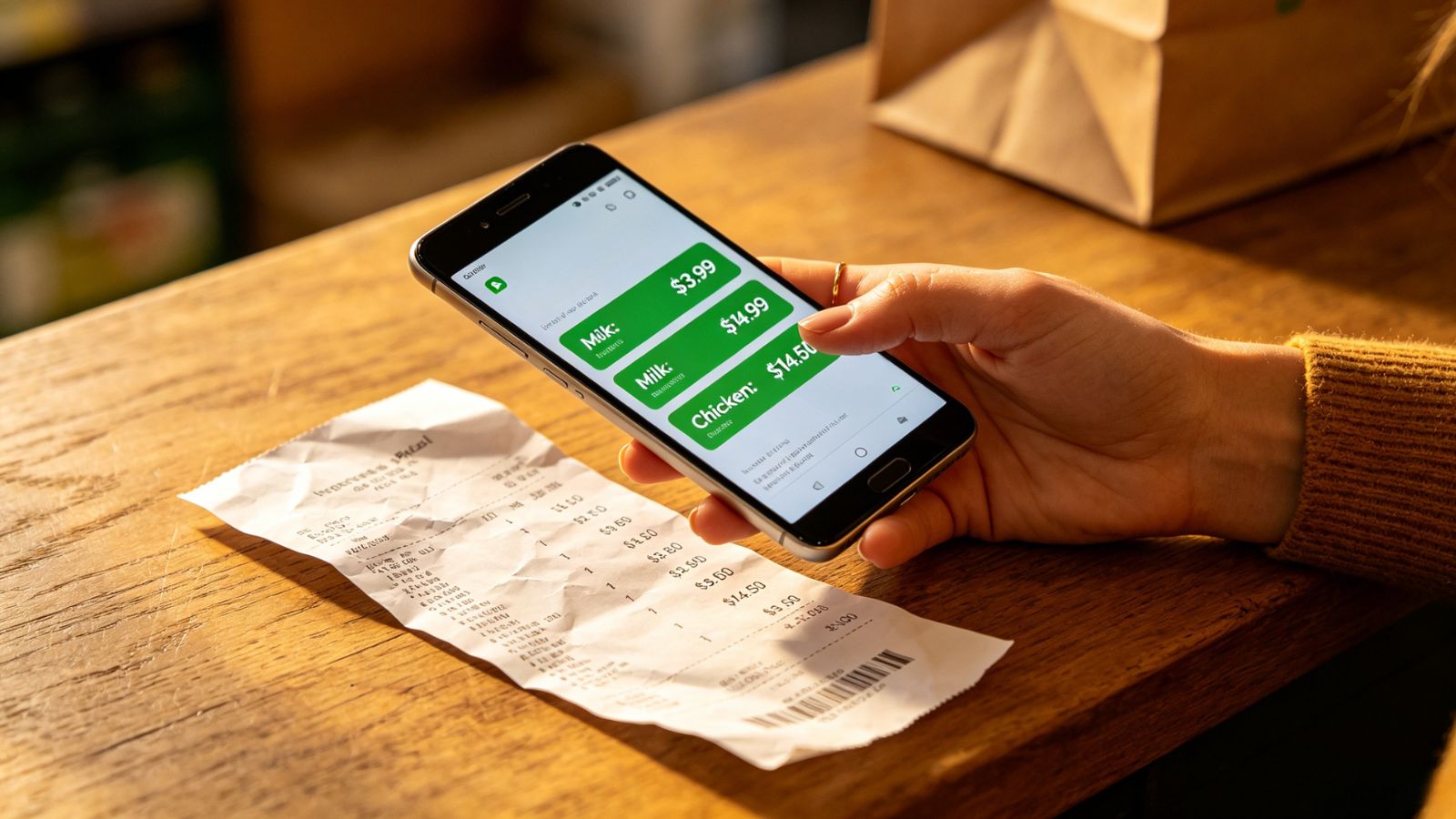
Groceries Tracker was designed with one goal in mind: helping households understand exactly where their grocery budget goes. While many budgeting apps simply categorize a supermarket purchase as "Groceries" and move on, this app digs deeper.
Couples can build shared shopping lists using smart autocomplete, then compare those planned purchases against a scanned paper receipt or digital receipt after the shopping trip. That's where the app really shines. Instead of seeing only the final total, you get a side-by-side view of what you intended to buy, what actually made it into the cart, and which unplanned purchases quietly pushed the bill higher than expected.
For couples trying to reduce impulse spending, that level of visibility can be surprisingly eye-opening.
Pricing Model
Free Trial: 14 days (fully functional, no credit card required)
Subscription: Varies by tier (typically around $3.99/month for premium household sharing and advanced AI receipt scanning)
Pros & Cons
Pros:
Excellent receipt scanning with detailed item-level categorization.
Shared household accounts keep lists and spending history synchronized between partners.
Includes budgeting tools that help establish spending targets before shopping begins.
Cons:
Limited recipe-import functionality compared with meal-planning-focused apps.
May feel overly feature-rich for couples who only need a simple checklist.
GoodShare
Available on: Android, Web
GoodShare tackles one of the most common sources of household friction: figuring out who paid for what.
Instead of forcing couples to juggle multiple apps, it combines a shared grocery list with built-in expense splitting and budget tracking. One partner can check items off while shopping, scan the receipt afterward, and immediately divide or log the expense inside the same system.
That seamless workflow removes a surprising amount of administrative hassle. No switching between shopping apps, budgeting apps, and bill-splitting tools. Everything lives in one place.
For couples who regularly split grocery costs, that convenience alone can make a noticeable difference.
Pricing Model
Freemium: Free basic list syncing and limited budgeting.
Premium: Starting from $2.50/month (unlocks advanced AI receipt scanning, complete data sync, and detailed cash-flow analytics).
Pros & Cons
Pros:
Combines grocery planning and expense balancing exceptionally well.
Affordable premium pricing compared with full-featured finance software.
Includes visual reporting tools such as Sankey cash-flow diagrams for household spending analysis.
Cons:
Android receives the strongest native app support, while iOS users rely more heavily on synchronization features.
Deliberately avoids direct bank integrations, requiring manual entries or receipt scanning instead.
Yomio
Available on: iOS and Android
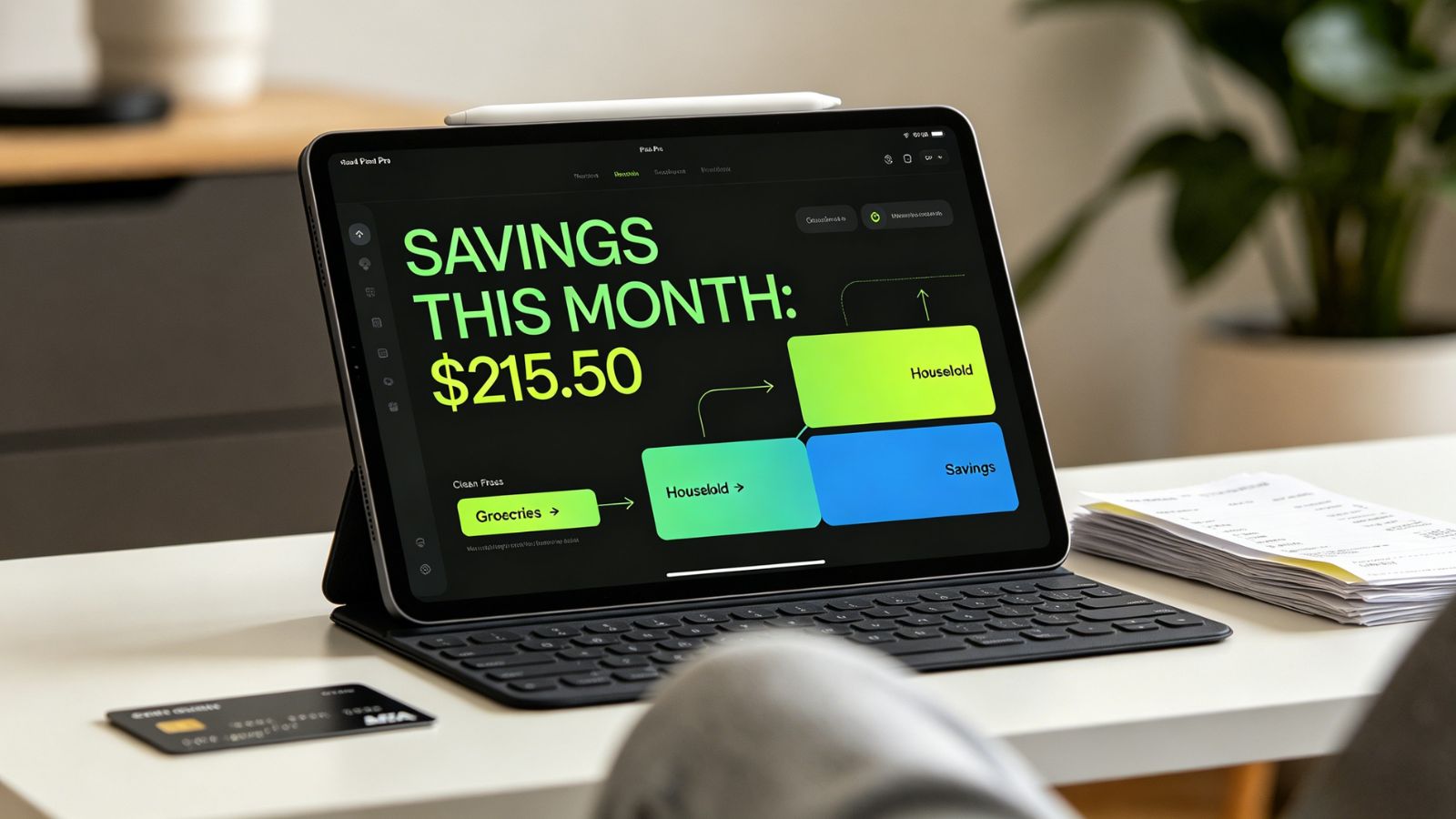
Not every couple wants complete financial transparency—and that's perfectly reasonable. Some prefer sharing household expenses without turning every personal purchase into a discussion.
Yomio was built around that idea.
Rather than requiring linked bank accounts or exposing every transaction, the app focuses on household spending through receipt scanning and category tracking. Couples can maintain shared grocery lists, upload receipts after shopping, and monitor household expenses by category without revealing individual day-to-day spending habits.
The result is a balanced approach: enough visibility to manage shared finances responsibly, but enough privacy to keep personal spending personal.
Pricing Model
Freemium: Free basic tracking.
Premium Subscription: One premium subscription covers up to 6 family members under a single household plan.
Pros & Cons
Pros:
Strong privacy-focused design that separates personal and shared spending.
One subscription can cover both partners and additional family members.
Detailed categorization makes it easier to spot spending patterns and opportunities to save.
Cons:
No bank synchronization; receipt scanning and manual entries remain essential.
Takes a little time to learn and customize the category system effectively.
AnyList
Available on: iOS, Android
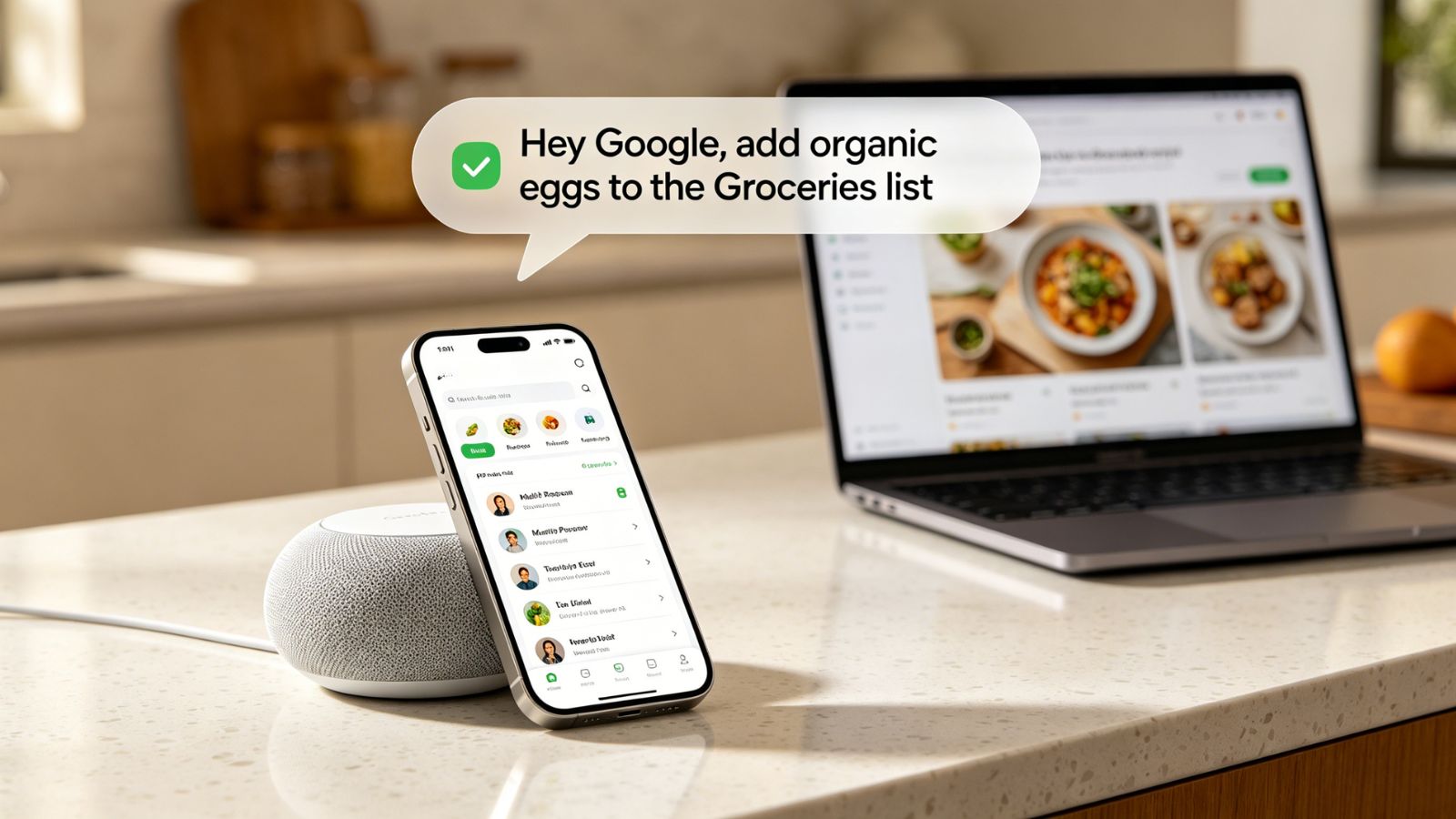
AnyList has earned a reputation for doing one thing exceptionally well: keeping shared grocery lists organized.
Its expense-tracking tools aren't as sophisticated as dedicated budgeting apps, but where it truly excels is planning. Synchronization is incredibly fast and dependable. If one partner adds milk while the other is already standing in the checkout line, the update appears almost instantly.
The feature that keeps many couples loyal, though, is recipe integration. You can import recipes directly from food blogs and websites, build a weekly meal plan, adjust serving sizes, and automatically generate a shopping list with the exact ingredients you need.
That may sound simple, but it's one of the most effective ways to reduce food waste. Buying only what's required for planned meals often saves more money than obsessively tracking every receipt afterward.
Pricing Model
Freemium: Free basic shared lists (limited features, contains ads).
AnyList Complete (Household Plan): $14.99/year (covers both partners and unlocks web/PC access, recipe web imports, item photos, and item pricing fields).
Pros & Cons
Pros:
Extremely reliable cross-platform synchronization across iOS and Android.
Outstanding recipe importing and meal-planning workflow.
Voice assistant support through Siri and Alexa makes adding items effortless.
Cons:
Cost tracking remains relatively basic and requires manual price entry.
Many of the platform's strongest features are reserved for the paid tier.
The Final Verdict
If your main objective is reducing grocery spending while keeping shared expenses fair and transparent, Groceries Tracker stands out as the strongest all-around option. The ability to compare your shopping plan against the final receipt turns vague budgeting problems into concrete, measurable habits. You'll quickly see where impulse purchases creep in and where your money is actually going.
That said, some of the biggest grocery savings happen before you ever walk into a store.
For households that rely heavily on meal planning, AnyList Complete may deliver greater long-term value. Its recipe-driven workflow helps couples buy with intention, avoid over-purchasing, and cut down on food waste—often the hidden culprit behind an inflated grocery budget.

Health and Wellness
Safe Routes, Bright Streets: 5 Best Apps for Night Running & Cycling in US Cities
Urban athletes no longer prioritize speed alone; personal safety has become a critical variable. Whether navigating a pre-dawn run through downtown Chicago, a late-evening bike ride in Los Angeles, or...



Hobbies and Entertainment